
WebAR: Augmented Reality directly in the browser, without installing an application
WebAR allows you to launch an Augmented Reality experience from a link or QR Code in your smartphone's browser, reducing the installation barrier and facilitating far-reaching campaigns, product demonstrations and activations.
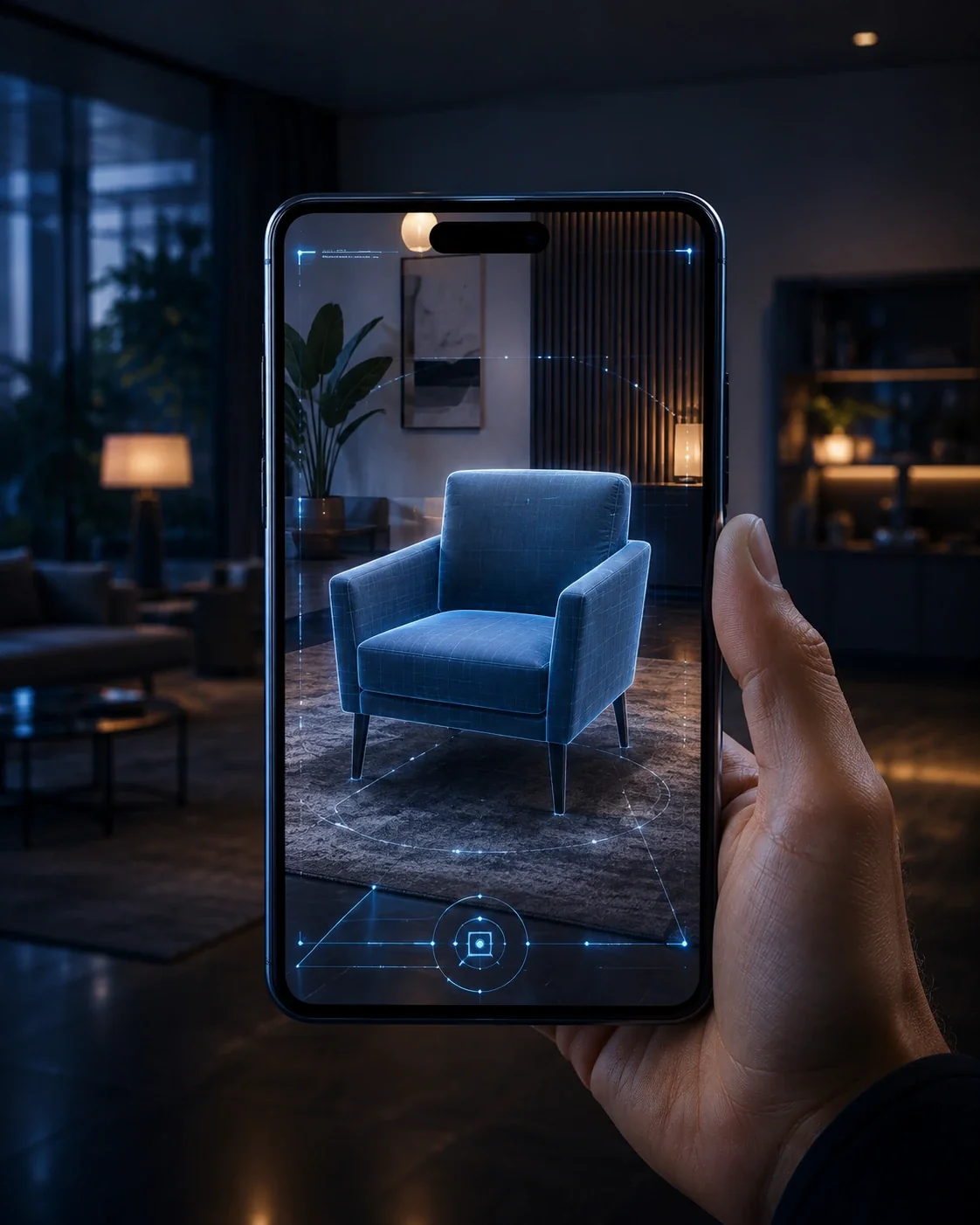
What is WebAR and when to use it?
WebAR is an augmented reality approach that runs in the browser. It prioritizes quick access and distribution via URL, while native applications continue to be recommended when the project requires more specific device features, performance or tracking.
In practice: The experience needs to balance 3D asset quality, load time, compatibility, and browser capability. Model optimization, compression and testing on different devices are central steps.
Where this solution generates value
Campaigns accessed by QR Code
The user points the camera at the QR Code and starts the journey in the browser, making the experience suitable for media, events, promotional materials and points of sale.
Interactive packaging and printed materials
The packaging or graphic can act as a discovery point for 3D content, animations, additional information, games or digital demonstrations.
Full-scale product visualization
Optimized 3D models can be positioned in the environment to help the user understand the proportion, presence and configuration of the product before purchasing.
Fairs and activations with quick access
The absence of an installation step reduces friction in short-lived experiences where the user needs to quickly jump in and participate without prior setup.
Landing pages with contextual 3D content
AR can be part of the same page that contains a description, form, product or CTA, allowing continuity between discovery, spatial interaction and conversion.
From challenge to deployment
Discovery
Objective, audience, environment, KPI and technical restrictions.
Experience design
Journey, interaction, content and product architecture.
Development
Software, 3D, integrations, hardware and validation.
Deploy and evolution
Deployment, support, analytics and continuous updating.
Questions about WebAR
Does WebAR work on any cell phone?
Compatibility depends on browser, system and device features. The project must provide for testing and fallback for devices outside the supported set.
Do you need to download the app?
No. This is precisely the main advantage of WebAR: the experience can be launched directly through the browser.
Does WebAR have the same performance as a native app?
Not always. Native apps can access deeper device features; WebAR prioritizes reach and low friction.
How does the user access?
Typically via QR Code, link, digital media, packaging, landing page or point of sale.
Related content
Do you want to transform this concept into a solution applied to your business?
Talk to our team about goal, environment, content, hardware, integrations and deployment scale.
Talk to an expert →