
3D product configurator for web, sales and interactive experiences
Nexus develops 3D configurators that allow users to change colors, versions, components, finishes and accessories in real time, connecting high-fidelity digital assets to an intuitive business journey.
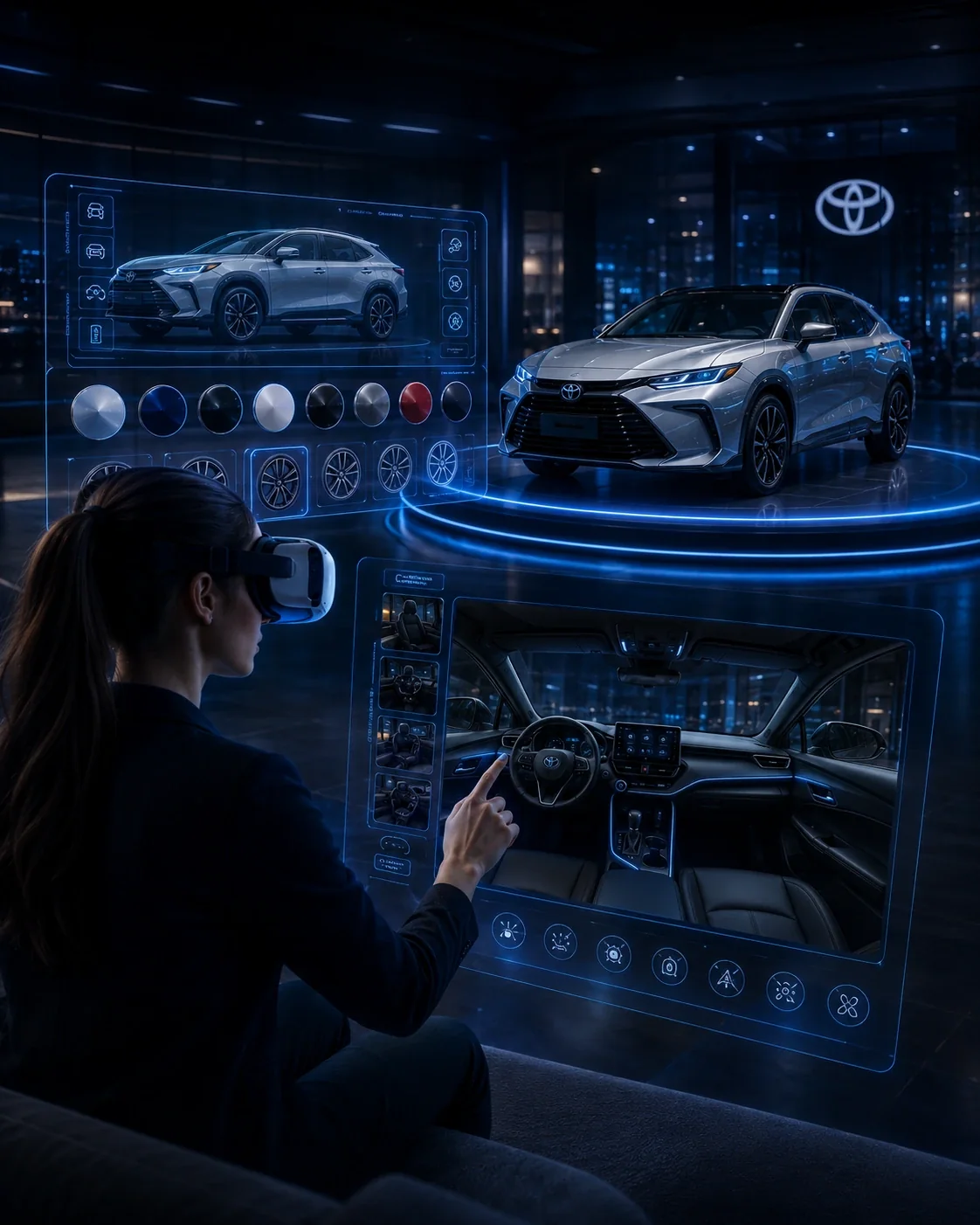
What is 3D Configurator and when to use it?
A 3D configurator is an application that transforms the digital model of a product into a choice interface. Unlike a 360° image, the scene can respond to configuration rules, swap components, and render combinations in real time.
In practice: For the web, the pipeline typically involves component separation, retopology, map baking, PBR materials, compression and glTF/GLB export. Business rules and APIs can control lead matches, availability, and capture.
Where this solution generates value
Cars and accessories
The user can combine versions, colors, wheels, finishes and accessories in a 3D vehicle, supporting product discovery and commercial service even without the physical configuration available.
Industrial machinery and equipment
Components, options and specifications can be presented visually in an interactive model, making it easier to understand technical solutions with many combinations.
Furniture, architecture and configurable products
Materials, dimensions, finishes and compositions can be visually compared before manufacturing or purchasing, as long as configuration rules are defined in the system.
B2B catalogs with different specifications
A configurator organizes complex portfolios into a visual journey in which the user selects features and sees only the combinations predicted by the product logic.
E-commerce and product pages with advanced visualization
3D visualization can be incorporated into the digital journey to bring the user closer to the product, enable free exploration, and connect configuration to next business steps.
From challenge to deployment
Discovery
Objective, audience, environment, KPI and technical restrictions.
Experience design
Journey, interaction, content and product architecture.
Development
Software, 3D, integrations, hardware and validation.
Deploy and evolution
Deployment, support, analytics and continuous updating.
Questions about 3D Configurator
What is the difference between 3D configurator and 360 image?
Image 360 allows you to rotate a ready-made sequence; the 3D configurator renders the model in real time and can change components, materials and rules.
What 3D formats are used on the web?
glTF and GLB are widely used formats for browser-based 3D experiences because they combine portability and efficiency.
Is it possible to integrate with APIs?
Yes. Versions, availability, price, leads and business rules can be integrated according to the client's systems.
Can a CAD model go straight to the browser?
Normally not. High-density models need to be prepared and optimized for real-time before web publishing.
Related content
Do you want to transform this concept into a solution applied to your business?
Talk to our team about goal, environment, content, hardware, integrations and deployment scale.
Talk to an expert →