
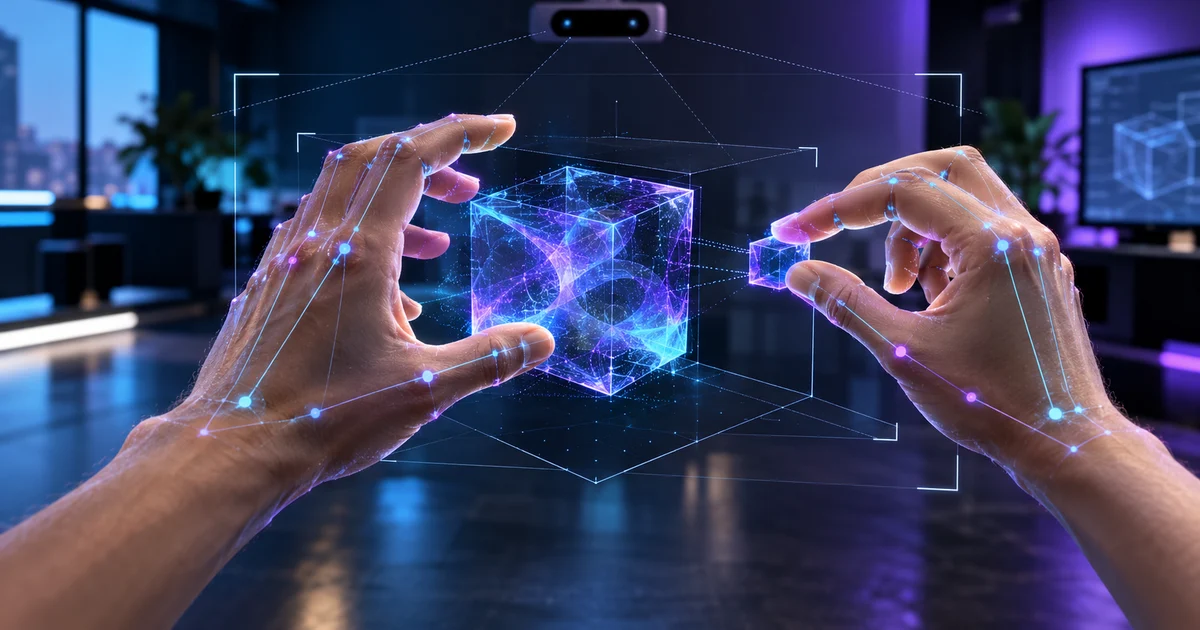
XR Simulator 207.1 extends camera-based hand tracking with grab and pinch gestures. Understand where this accelerates QA and where real hands are still indispensable.
Direct answer
Meta XR Simulator 207.1 adds grab and pinch to camera-driven hand tracking. Developers can perform physical gestures in front of the camera to test hand flows in the simulator without relying on controls. The feature helps validate states, logic and regressions, but tracking quality, occlusion, field of view, fatigue and motor diversity still require testing on the headset with real users.
Camera reduces friction in the development cycle
Natural gestures can quickly trigger application states during build and regression.
Grab and pinch need distinct feedback
Show focus, intent, initiation, maintenance, completion, and cancellation to avoid ambiguous actions.
The simulator does not reproduce all occlusions
Hands close to the body, physical objects, lighting, and rapid movement may behave differently on the headset.
Accessibility requires alternatives
Offer controls, dwell, voice, or assisted selection when amplitude, jitter, or fatigue make the gesture difficult.
Nexus Reading
Automate logic and states in the simulator and reserve sessions in hardware for accuracy, ergonomics, recall, and inclusion.
FAQ
What gestures have been added?
The release notes mention grab and pinch using camera hand tracking.
Is it the same as headset tracking?
No. The computer camera and the headset have different sensors, geometry and usage conditions.
Which flow to test first?
The entire main task, including loss of tracking, incomplete gesture, cancellation and input alternative.
Essential guides to delve deeper into the decision
This editorial analysis was produced by Nexus from the official sources below, consulted on October 15, 2026. The text is original and interprets practical implications for companies.
- Meta Horizon OS Developers — Release notes: official record of grab and pinch by camera hand tracking in XR Simulator 207.1.
- Meta Horizon Design — Interaction: official guidelines for spatial design and interaction.
Date reported by the main source: October 14, 2026.