
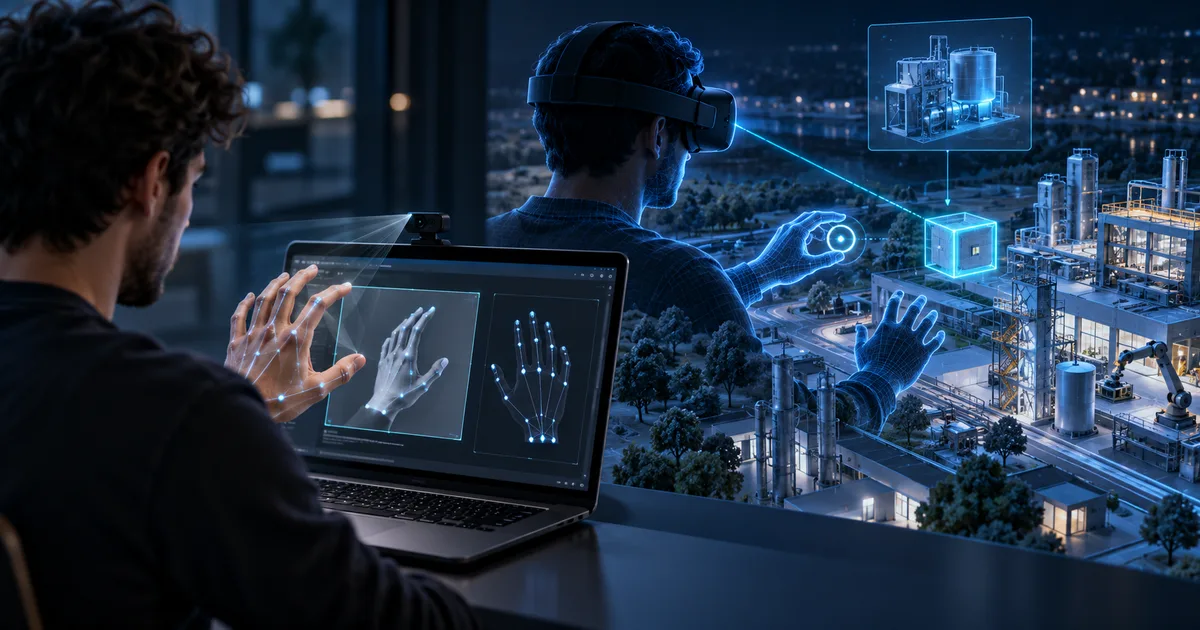
Update adds Look and Pinch, camera hand tracking and support for VR Glasses. See what to automate and what to validate in the headset.
Direct answer
On September 24, 2026, Meta published XR Simulator 207 for Windows and Mac ARM. The version adds Look and Pinch, hand tracking via the computer camera and Meta VR Glasses simulation, as well as corrections in Vulkan and frame capture. The feature reduces hardware dependency in the initial iteration, but a webcam does not replicate the tracking volume, lighting, latency, occlusion, or ergonomics of the real headset.
Camera speeds up short cycle
Developers can check states and gestures without putting on and taking off the headset with each change.
Look and Pinch asks for explicit intent
Gaze selects quickly, but confirmation and tolerance prevent accidental activations.
Capture fixes improve diagnosis
Reliable frame and composer help compare visual and performance regressions.
Simulation does not measure comfort
Eyestrain, reaching, posture, and spatial awareness require people using the hardware.
Nexus Reading
Automate regressions in the simulator and reserve the headset for tracking, comfort and performance gates.
FAQ
What systems receive Simulator 207?
The notes list Windows and Mac with Apple Silicon.
Does the camera replace headset sensors?
No. It facilitates testing, but has different capture and tracking conditions.
What is Look and Pinch?
The gaze indicates the target and the pinch gesture confirms the interaction.
Essential guides to delve deeper into the decision
This editorial analysis was produced by Nexus from the official sources below, consulted on October 5, 2026. The text is original and interprets practical implications for companies.
- Meta — VR release notes: XR Simulator 207 date, platforms, features and fixes.
- Meta — VR is Expanding: use of simulators and preparation for VR Glasses.
Date reported by the main source: September 24, 2026.