

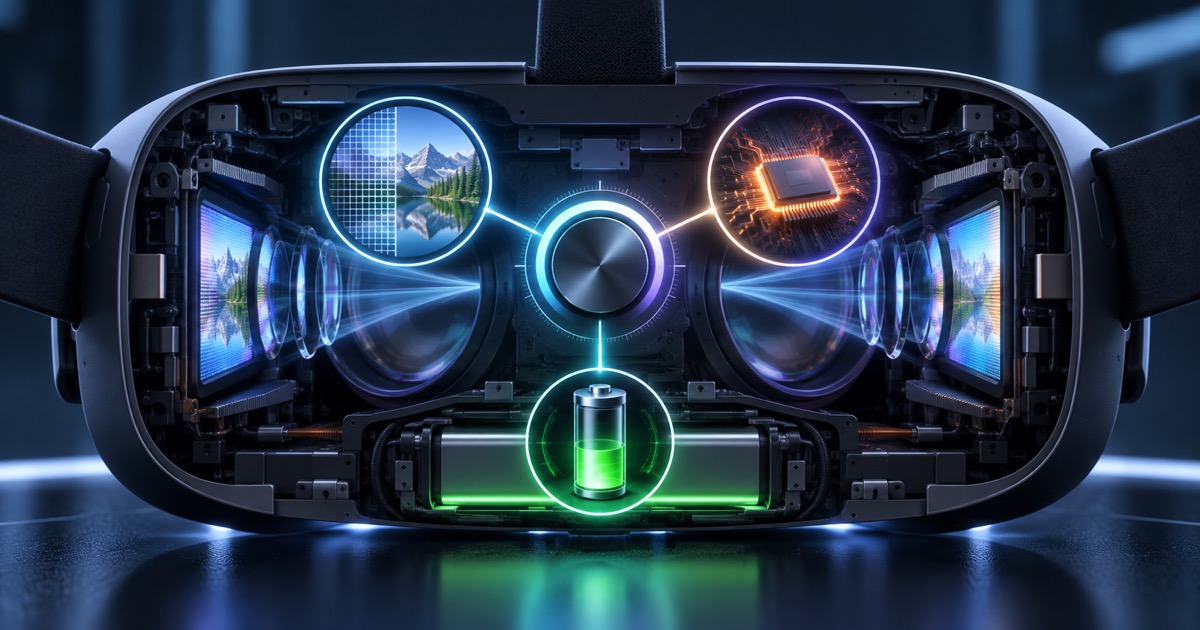
Meta's updated documentation shows why physical resolution and rendering resolution are different. See how to test clarity, frame rate and battery.
Direct answer
Render scale is the resolution multiplier at which each frame of the VR application is produced before compositing. On Quest, 1.0 scaling is below the physical resolution of the panel; scaling up improves sharpness at higher GPU cost, while scaling down too much can lead to blurring and failure in the store.
What render scale controls
The scale defines the internal resolution of each frame. The composer still applies optical distortion before displaying the image. Therefore, the default rendered resolution does not directly correspond to the number of physical pixels advertised for the headset.
Quest numbers
Meta reports that Quest 3 uses 1680 by 1760 pixels per eye at 1.0 scale, although the panel is 2064 by 2208. Quest 3S uses the same default rendering resolution, but 1832 by 1920 panel. The visual effect also depends on the lens and content.
Sharpness competes with GPU budget
Texts, instruments and technical details can benefit from larger scale. Shadows, transparencies, particles and passthrough compete for the same budget. The correct decision preserves stable frame rate in worst-case scenarios, not just in an empty room.
How to Test for Corporate Training
Measure readability, task error, completion time, dropped frames, temperature and battery life. Use dynamic resolution when available and test on the most limited device in the fleet. Never set a resolution without consulting the runtime.
Nexus Reading
In enterprise VR, visual quality is a functional requirement. Rendering adjustment must be born from the task: read, identify, react and learn. The best value is one that maintains sufficient clarity without compromising comfort and consistency.
FAQ
Does render scale 1.0 use the entire panel resolution?
No. Meta informs that the standard resolution is below the physical resolution of the headsets.
Does scaling up always improve the experience?
No. It can increase GPU costs, heat and frame rate instability.
How to choose the value?
Profiling the real headset and use the smallest scale that meets readability and stability.
Essential guides to delve deeper into the decision
This editorial analysis was produced by Nexus from the official sources below, consulted on September 8, 2026. The text is original and interprets practical implications for companies.
- Meta — Render scale: definition, resolutions per device, recommendations and official limits.
- Meta — CPU and GPU levels: official guidance on performance levels, consumption and profiling.
Date reported by main source: documentation updated on September 1, 2026.