
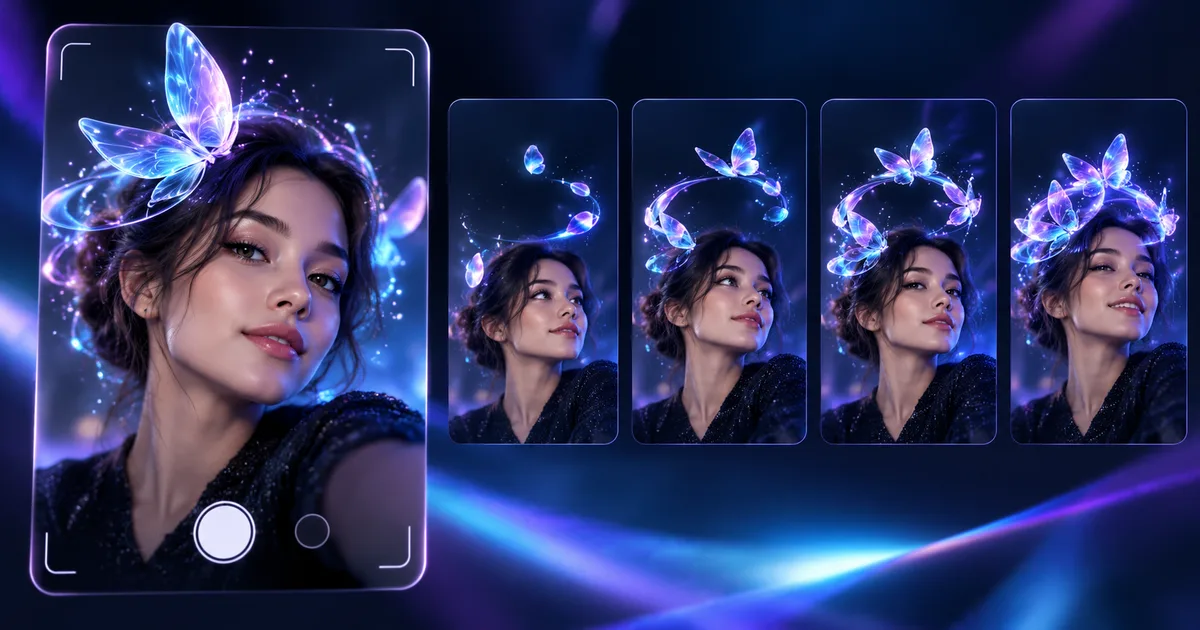
Tool creates four animated variations with loop, delay and speed controls. See criteria for responsible use in campaigns.
Direct answer
Snap has documented Animated Selfie Attachments in Lens Studio 5.17, a generative AI feature that creates four variations of animated props for selfies and allows you to adjust delay, speed and repetition. Generation can take up to two hours and the seed helps to reproduce results. For brands, creative speed is no substitute for reviewing identity, artifacts, rights, diversity, asset size, and live-camera performance.
Four previews speed up selection
Variations help you explore visual direction without importing external assets on each trial.
Seed improves traceability
Recording prompt, seed, and version makes it easy to reproduce and audit an approved result.
Animation needs a budget
Loops, textures and particles affect battery, latency and stability on different devices.
Selfie involves identity
Consent, representation and image processing must be considered from the briefing.
Nexus Reading
Prototype quickly, preserve origin and parameters, and validate aesthetics, inclusion and performance before the campaign.
FAQ
How many options does the tool generate?
Snap's documentation describes four previews per generation.
Is it possible to adjust the animation?
Yes, with delay, speed and loop controls.
How long can it take?
Snap reports that some generations can take up to two hours.
Essential guides to delve deeper into the decision
This editorial analysis was produced by Nexus from the official sources below, consulted on October 4, 2026. The text is original and interprets practical implications for companies.
- Snap — Animated Selfie Attachments: flow, controls, previews, time and seed.
- Snap — Lens Studio detailed changelog: official version and context of the resource.
Date reported by main source: Lens Studio 5.17, documentation verified on October 4, 2026.